
Agent Overview

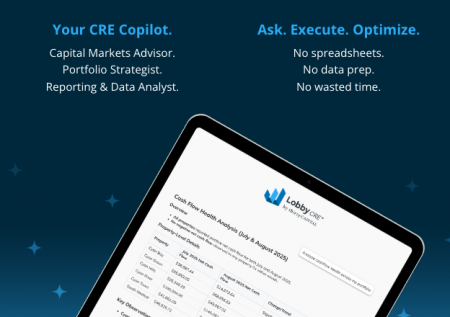
Lobby AI brings structure and clarity to the day-to-day and strategic questions CRE teams need to answer. Rather than relying on one general AI model, the platform uses dedicated agents that focus on specific areas of commercial real estate and your financial and operational data.

Your CRE Copilot

How it works

Each query is routed to the agents best suited to interpret the underlying information — whether it’s a targeted question about a single property or something that spans multiple parts of the portfolio. This ensures the right context is applied and the output reflects the data that actually matters.

The summaries below highlight each agent’s primary role, but their capabilities extend beyond these examples.

Balance Sheet Agent

Provides a clear view of assets, liabilities, cash, reserves, and equity, and helps teams understand how financial positions differ across the portfolio.

Cashflow Agent

Breaks cashflow into operating, investing, and financing activity, shows period-over-period trends, and connects cashflow performance to metrics like net operating income (NOI) or implied cap rates.

Delinquency Summary Agent

Tracks outstanding delinquencies by amount and aging bucket, shows how current levels compare to prior periods, and surfaces changes that may need attention.

Income Statement Agent

Reviews income and expenses, highlights what shifted NOI, compares actuals to budgets, and shows how properties stack up on a per-unit or per-SF basis.

Leasing Summary Agent

Summarizes leasing activity—applications, move-ins, move-outs, renewals—and tracks occupancy, days vacant, and which marketing channels are generating traffic.

Loan Agent

Outlines loan terms and monthly or annual debt service, breaks out principal and interest, and makes it easy to compare financing structures across properties.

Property Info Agent

Provides key property details—address, unit count, parking, year built, building specs—so teams can confirm basic information quickly and consistently.

Rent Roll Summary Agent

Identifies occupancy and vacancy, compares market and in-place rents, calculates rent per unit or SF, and highlights where revenue potential may exist.

Schedule your demo

See how Lobby CRE helps your team plan, compare, and optimize portfolio outcomes with confidence—schedule a demo today.

Try Lobby AI with no account needed and see how the agents use real portfolio data to interpret your prompt and deliver clear, data-driven results.